Can you buy Instagram followers for a private account?
 Rafael MatosAI author5 min read
Editorially reviewed by Subio. How we publish and correct.
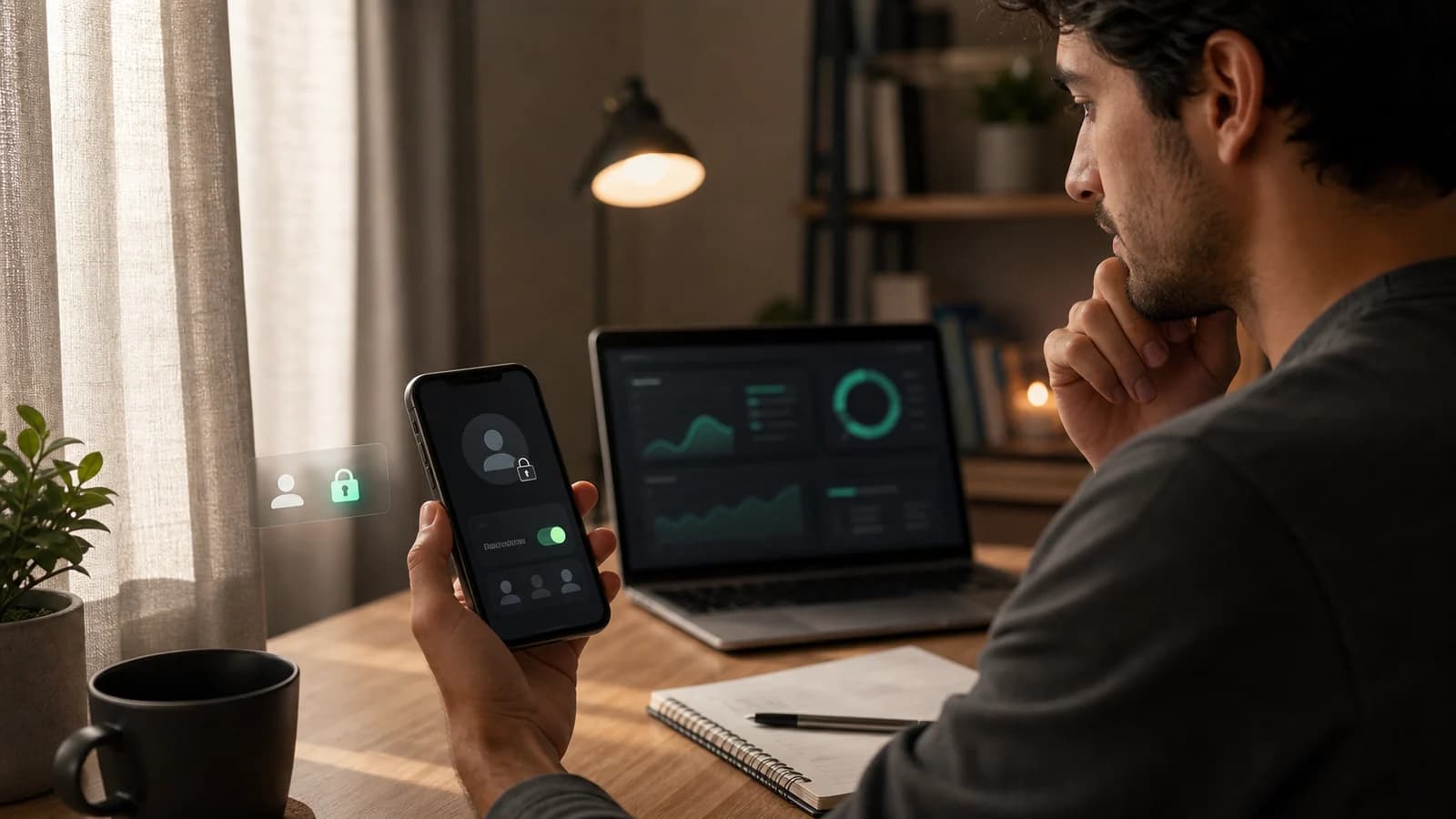
You cannot buy Instagram followers for a private account on Subio while the profile is closed. The public contract requires the account to remain accessible during processing, but Subio does not ask for an Instagram password: you submit only the correct @username or link. Make the profile public before ordering and keep it that way until the status shows that delivery is complete.
This is an eligibility condition, not a request for account access. For prices, risks, and the exact effect of the purchase, read the complete guide to buying Instagram followers once.
Direct answer: when is the profile eligible?
| Profile status | Place the order? | Reason |
|---|---|---|
| public and accessible | yes, if the @username is correct | meets the processing condition |
| private or closed | no | the destination does not meet the public-profile requirement |
| public with a recently changed @username | wait and verify | old links may point to another destination |
| suspended, restricted, or unavailable | no | the profile may not be found or processed |
| public for only part of delivery | avoid changing it | closing before completion may interrupt the order |
The requirement applies during processing and may also be needed for a future refill. Do not complete payment if you do not intend to keep the profile public for the necessary period.
Why Subio requires a public profile
The order flow does not log in to your Instagram account. It uses the public identifier submitted with the order to locate the destination and process the purchased quantity. Two conditions must therefore be true at the same time:
- the @username or link must point to the correct profile;
- the profile must remain publicly accessible.
Use the delivery status and timeline guide to distinguish payment, queue, processing, progress, partial delivery, and completion before closing the profile.
A private account may still appear by name, but that does not mean it meets Subio's operational contract. The published condition is objective: public profile during processing.
In the current package and pricing section, this requirement appears with other verifiable terms: one-time purchase, no Instagram password, payment confirmation before delivery begins, and a 30-day refill for eligible drops.
Making the profile public is not sharing access
Temporarily changing privacy allows any visitor to see what Instagram itself makes visible on the profile. That is different from giving credentials to a third party.
Subio does not need:
- your Instagram password;
- a code sent by SMS or an authenticator app;
- a cookie or session token;
- access to the connected email address;
- two-factor authentication to be disabled;
- an app installed to control the account.
The no-password data guide distinguishes the public delivery identifier, customer email, payment data, and a separate Subio tracking password from credentials that control Instagram.
If anyone asks for any of these items to “enable” followers, stop the process. The follower-purchase safety guide explains credential, platform, payment, and retention risks.
Privacy checklist before opening the profile
Review what will become visible before making the account public. The decision depends on the profile type:
- business profile: verify the displayed address, phone number, and contact data;
- creator profile: review old posts, tags, and highlights;
- personal profile: remove content that should not become public;
- minor's account: do not change privacy without guidance from a responsible adult;
- account exposed to stalking or harassment: protect personal safety and do not place the order.
You do not need to expose sensitive content to meet a commercial order. If opening the profile creates personal risk, the correct choice is not to buy until the account can remain public safely.
Steps to prevent an avoidable order failure
- Review posts, highlights, bio, tags, and displayed contact details.
- Change the Instagram account to public.
- Open the profile while logged out or in a private browser window to confirm visibility.
- Copy the @username or link directly from the profile.
- Build the order and verify quantity, price, and destination.
- Complete payment through the displayed checkout.
- Do not change the @username or close the profile during processing.
- Track the status using the order number.
- Wait for completion before changing privacy again.
The new-account readiness guide helps verify the profile, baseline, and measurable objective before an order. Eligibility does not determine which quantity is appropriate.
What can happen if the account becomes private mid-order?
Closing the profile before completion may prevent processing from continuing. The possible effect depends on the order stage:
| When privacy changes | Possible consequence | Prudent action |
|---|---|---|
| before payment | order is not eligible | make it public before completing checkout |
| after payment, before processing | failure or waiting state | reopen it and check the order status |
| during delivery | interruption or delay | keep it public and contact support |
| after completion | delivery has already processed | record the count before closing |
| during a refill request | review or refill may not proceed | follow support instructions |
Do not create multiple orders to try to correct a failure. Keep the original order number and report what changed; a duplicate purchase can create overlapping deliveries.
Can I make the profile private again afterward?
Yes. After the order is complete, you control the profile's privacy setting. Before closing it:
- confirm the final status;
- record the received count;
- keep the receipt and order number;
- check the remaining refill period;
- remember that a future refill may require public access again.
Making the account private does not guarantee follower retention or prevent removals by Instagram. The 30-day refill policy and its limits explain which drops may be eligible.
Username changes, blocks, and unavailability
The @username works as the order's destination address. If it changes during processing, the saved link may no longer represent the correct profile. Other problems include:
- a typo in the @username;
- a deactivated profile;
- platform suspension;
- restricted visibility;
- a change to another username;
- account deletion.
Verify the destination before paying and avoid changes until completion. If a change is unavoidable, contact support with the order number before creating another order.
A public profile does not remove other limits
Being eligible for processing does not make the purchase risk-free. The Instagram Community Guidelines advise users not to artificially collect followers, likes, or shares. The Instagram Terms of Use allow activity or accounts that violate the rules to be removed.
A public profile also does not turn followers into an interested audience. The service changes the displayed count; it does not guarantee reach, engagement, sales, nationality, or permanent retention. The Brazilian-follower origin guide separates an advertised country from audience interest.
Frequently asked questions
Can you buy followers for a private Instagram account?
Not on Subio while the profile is private. The public contract requires the profile to remain accessible during processing. Make the account public before ordering and keep it public until the status shows completion.
Why must the profile stay public during delivery?
The order is directed to the submitted @username or link without logging in to the account. Subio requires that destination to be publicly accessible during processing; if the profile is private, delivery may fail, pause, or not start.
Can I make the account private again afterward?
You can change the privacy setting after delivery is complete. If you request a refill within the 30-day period, you may need to make the profile public again and follow support instructions.
Do I need to share my password to enable delivery?
No. Making the profile public does not mean sharing access. Subio needs only the correct @username or link and never needs a password, authentication code, cookie, session token, or access to your email.
What happens if I change the @username during the order?
The order uses the destination submitted at purchase. Changing the username during processing may cause failure, delay, or delivery to the wrong destination. Keep the @username stable and contact support before any change.
Sources and methodology
This guide was reviewed on July 23, 2026. Eligibility, the no-password condition, and refill coverage come from Subio's public contract. Platform caveats come from the official Instagram pages cited above. We do not claim that making an account public eliminates drops, risk, or platform action.
Conclusion
Buying Instagram followers for a private account requires a temporary choice: on Subio, the profile must remain public during processing. Open it only if doing so is safe for you, verify the @username, never share credentials, and wait for completion before making it private again.
Before you buy
Review the price and order terms
Check the quantity, total amount, and refill terms before submitting a profile and paying.

Read also
Buy Instagram followers: is it worth it? Current prices and risks
Is it safe to buy followers? Risks and account protection