Instagram bio ideas: official limits, a structure that converts, and templates by profile type
 Rafael MatosAI author8 min read
Editorially reviewed by Subio. How we publish and correct.
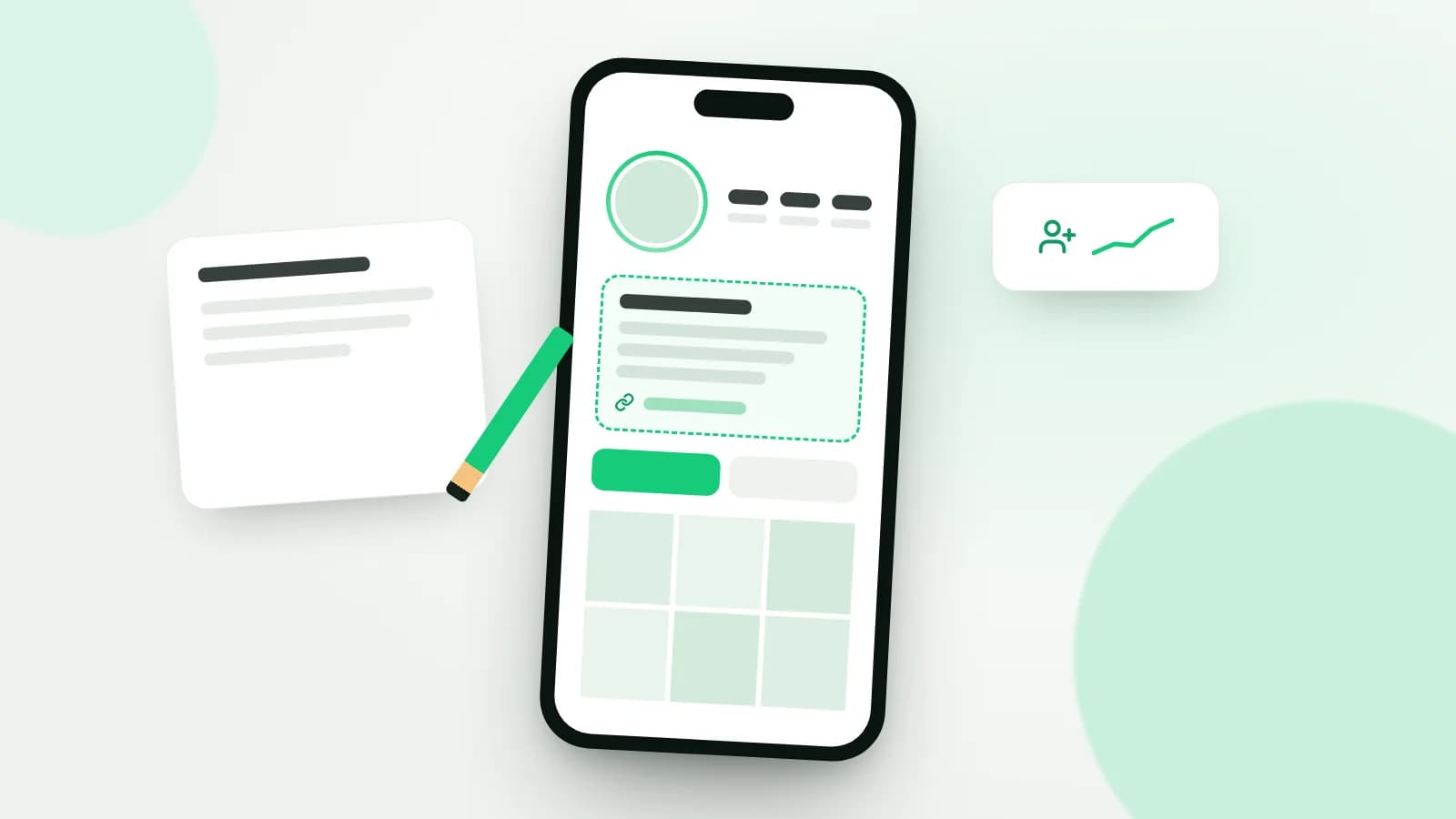
A strong Instagram bio tells visitors, in 150 characters or fewer, who you are, what you post, who it's for, and what to do next. Pair it with a name field that includes the term your audience searches for, up to five links ranked by priority, and, on professional accounts, a category and contact button. Then check in Insights whether profile visits turn into follows and link taps.
This guide covers the official limits for every profile field, a simple structure for writing your bio, templates you can adapt, and a way to test versions without guessing.
Transparency: this article is published by Subio, which sells follower packages for Instagram and TikTok. The limits and features mentioned here were checked against Instagram's official pages on November 8, 2026, and may change. The bio templates are fictional examples written for this article.
Profile fields and their official limits
Before you write anything, it helps to know what each field does. The bio is only one part of the top of your profile, and the other fields shape the follow decision too.
| Field | What the official source says | How to use it |
|---|---|---|
| Bio | up to 150 characters, visible to anyone | who you are, what you post, and the next step |
| Name | bold text at the top; included in search | your name plus the term your audience searches |
| Username (@) | unique; changes may be reviewed on accounts with large reach | an easy-to-remember handle |
| Links | up to 5 websites, added in the mobile app | shop, booking page, newsletter, portfolio |
| Pronouns | optional field shown on your profile | how you'd like to be referred to |
| Category and contact | professional accounts only; can be shown or hidden | your type of business and an easy way to reach you |
The 150-character limit comes from the Help Center page on adding a bio. The five-link limit comes from the page on adding websites to your profile, which notes that the feature is available in the mobile app. Pronouns are also edited in the app.
You change your name and username under Edit profile or in Accounts Center. The page on updating your profile information warns that on accounts that reach a lot of people, a username change may need to be reviewed before it takes effect. Pick your handle carefully and avoid changing it often.
Mentions and hashtags in your bio
Since 2018, any @ or # you type in your bio becomes a live link to another profile or to that hashtag's page, as described in Instagram's announcement of hashtag and profile links in bio. The account you mention gets a notification and can remove the link to its profile. Use it to point to a second account of yours, your company's account, or a branded hashtag, not to cram tags into the bio.
What makes a bio turn visitors into followers
People usually land on your profile from a Reel, a search, or a recommendation. Within seconds, they're answering one question: is this worth following? A bio that converts covers six points, roughly in this order of importance:
- Who you are or what the brand is. A concrete description, not a vague slogan.
- What you post. The topic and format: quick recipes, workout tips, behind the scenes at your shop.
- Who it's for. Beginners, busy parents, small business owners, people in a specific city.
- Proof. Something verifiable: years of experience, a credential, a city you serve, an award, a client count you can back up.
- Call to action. A clear verb: "see the menu," "book through the link," "grab the free guide."
- Link. The destination that matches the call to action, ideally first in the list.
Not every bio needs all six. A personal account can stop at the third. A shop or service provider almost always needs the call to action and the link, because the goal is to move people off Instagram.
The short formula
If you're staring at a blank screen, start with this structure and trim whatever doesn't fit:
What I do + who it's for + result or proof + call to action pointing to the link
A fictional example: "At-home workouts for beginners over 40. Certified trainer for 12 years. Free 4-week plan below." Three short sentences that fit comfortably within 150 characters.
Instagram SEO: name, username, and bio
Instagram's official explainer on how Instagram search works says the text you type into the search bar is by far the most important signal, and that results are matched by text. The same page gives three direct tips:
- use a username or profile name related to the content you post;
- if people know you by a particular name, include it in your username or profile name;
- include keywords in your bio about who you are and what your profile covers, and, for local businesses, add your location.
It also notes that accounts that post spam or violate the guidelines may appear lower in search results. In short, keywords help when they genuinely describe your profile; repeating terms for the sake of it does not.
In practice: if you're Emma, a nutritionist in Austin, a name field like "Emma Clark | Nutritionist Austin" says who you are, what you do, and where you work. Your handle can stay short and memorable, such as @emmaclark.rd.
Instagram bio templates by profile type
The templates below are fictional examples to adapt. Swap in your own names, numbers, and locations, and only use proof you can actually back up.
Content creator
| Field | Example |
|---|---|
| Name | Jess Park · 15-Minute Dinners |
| Bio | Real food for people who get home tired. New Reels every Tuesday and Friday. All my saved recipes at the link 👇 |
| Main link | a page with your recipes organized by category |
Local business
| Field | Example |
|---|---|
| Name | Rise Bakery · Brooklyn NY |
| Bio | Sourdough baked fresh every morning at 7. 123 Example St. Order ahead for pickup through the link. |
| Extras | visible category, contact button with address and phone |
Online store
| Field | Example |
|---|---|
| Name | Loop & Knot · Handmade Bags |
| Bio | Crochet bags made by hand, one at a time. Shipping across the US. New collection and delivery times at the link. |
| Links | shop, size guide, order tracking |
For stores, the bio works best alongside Highlights that answer shipping, returns, and delivery questions. Our guide on followers for Instagram store accounts covers what a shop profile needs before you invest in growth.
Professional or service provider
| Field | Example |
|---|---|
| Name | Dr. Mark Ellis · Sports Physical Therapy |
| Bio | Injury recovery for amateur runners. In-person in Denver and online. Book your assessment through the link. |
| Extras | professional category, email and phone in the contact button |
Personal brand
| Field | Example |
|---|---|
| Name | Rachel Kim · Tech Career Switch |
| Bio | Helping career changers break into tech after 30. Former teacher, now a product designer. Weekly newsletter at the link. |
| Main link | newsletter sign-up page |
Notice the pattern: each one opens with what the visitor gets, adds one concrete detail, and ends with an action tied to the first link.
Professional accounts: category, contact, and links
Instagram's page on professional accounts explains that these profiles show a category directly below the profile picture and can add a Contact button near the top, with directions, a phone number, and an email address. The page on editing your business information shows that the category and contact details are changed under Edit profile, and that you can choose, under profile display, whether to show or hide them.
That frees up room in your bio. If your phone number and address already appear on the Contact button, there's no need to repeat them in the text. Use your 150 characters to explain why someone should follow or buy.
With up to five links available, rank them by priority. The first should be the destination of your call to action. The others should cover different needs, such as booking, shopping, and support. Five links that go to similar places only split attention.
Common Instagram bio mistakes
- A generic bio. "Living my best life" doesn't tell visitors what they'll find on your profile.
- A string of emoji with no words. Emoji can organize a bio, but they don't replace the explanation.
- A call to action with no matching link. Saying "shop the link" and sending people to your homepage makes them hunt.
- Broken or slow links. Test every link on your phone after any change.
- Keyword stuffing in the name field. One or two relevant terms are enough; more starts to look like spam.
- Changing your handle often. It makes you harder to find and, on large accounts, may trigger a review.
- Promising what you don't deliver. If your bio says "new Reels every week," your grid has to back it up.
How to measure whether your bio is working
Your bio doesn't have its own report, but Instagram Insights, available on professional accounts, shows your profile activity. There you'll find metrics such as profile visits and external link taps. Exact labels may vary by app version.
| What to measure | How to calculate it | What it tells you |
|---|---|---|
| Visit-to-follow rate | new followers ÷ profile visits in the same period | whether your bio and grid convince visitors |
| Visit-to-link rate | link taps ÷ profile visits | whether your call to action is clear |
| Link destination | conversions on the landing page | whether the link sends people to the right place |
The first rate is an approximation, since not every follower visits your profile before following. Compared across equal periods, though, it shows the trend. To run a test:
- record two weeks of numbers with your current bio;
- change one element only, such as the first line or the call to action;
- keep the new version for another two weeks while posting at the same pace;
- compare the rates, not the totals.
If profile visits are low, the problem sits upstream of the bio: your content isn't reaching new people yet. Our organic guide to getting more followers on Instagram tackles that stage. To compare how posts perform, use the formulas in our guide to Instagram engagement rate, and to pick posting windows, follow the method for finding the best time to post on Instagram.
Bio, social proof, and new profiles
A clear bio improves conversion among people who already visit your profile, but it doesn't create visits on its own. On brand-new profiles, a low follower count also weighs on a visitor's decision. Our article on followers for a new Instagram account covers what to prepare before any investment, and the complete guide to buying Instagram followers explains risks, platform rules, and decision criteria. No purchase replaces a bio that explains your profile well.
Frequently asked questions
What is the Instagram bio character limit?
According to the Instagram Help Center, your bio can be up to 150 characters. Spaces, punctuation, and emoji all count toward that, so write your main line first, check the counter in the app, and only then add secondary details such as location or hours.
How many links can I add to my Instagram bio?
The Instagram Help Center says you can add up to five websites to your profile, using the mobile app. Put the most important link first and use the rest for genuinely different destinations, such as your shop, a booking page, or a contact form.
Do keywords in the name field help people find my Instagram account?
They can. Instagram explains that search results are matched by text and recommends a username or profile name related to your content. Use the term people would actually type, and avoid stuffing the field with keywords.
What is the difference between name and username on Instagram?
Your username is the unique handle after the @ and appears in your profile URL. Your name is the bold text at the top of your profile and can include spaces. Both are used in search, so both should say who you are or what you offer.
How do I know if my Instagram bio is working?
In Insights, compare profile visits with new followers and link taps over the same period. Change one element of your bio at a time and keep the new version for at least two weeks before comparing it with the previous one.
Sources and criteria for this article
Prepared on November 8, 2026. The limits were checked in the Instagram Help Center pages on your bio, profile websites, professional accounts, and Insights, along with Instagram's official explainer on search. The bio templates are fictional and do not represent real accounts. No Subio customer data was used.
Read Subio's editorial policy and the virtual author disclosure. If, after tuning your profile, you want to check the package terms, see Subio's current prices and packages.
Before you buy
Review the price and order terms
Check the quantity, total amount, and refill terms before submitting a profile and paying.

Read also
Instagram shadowban: what it is, how to check, and what Instagram officially says
How to get followers on TikTok: an organic guide based on what TikTok itself explains and recommends