Instagram shadowban: what it is, how to check, and what Instagram officially says
 Rafael MatosAI author8 min read
Editorially reviewed by Subio. How we publish and correct.
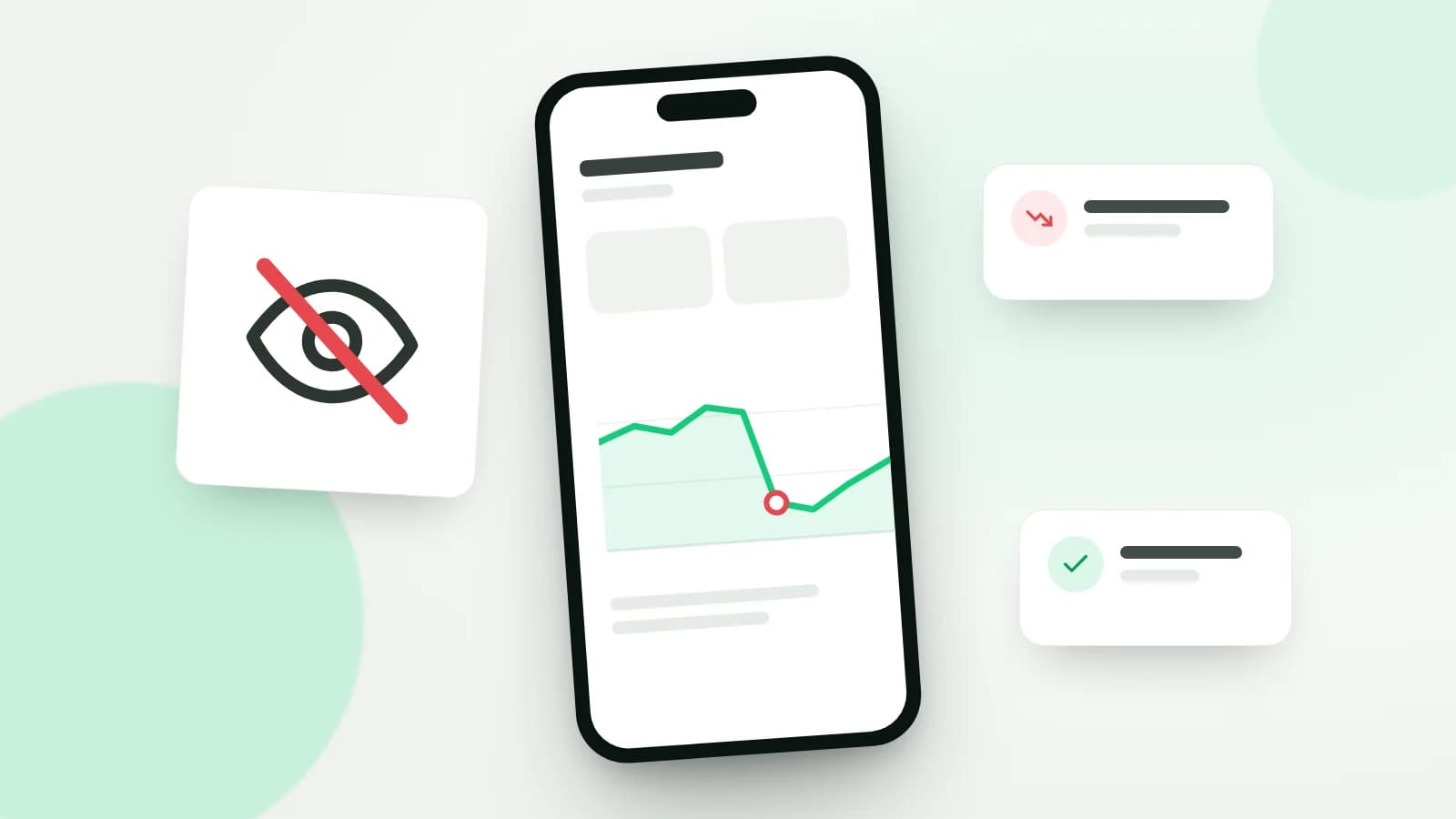
An Instagram shadowban is the popular name for when an account's content suddenly reaches fewer people with no clear warning. Instagram doesn't use the term; it talks about recommendation eligibility instead. An account can be left out of Reels, Explore, Search, and suggestions for non-followers while still reaching its followers. Professional accounts can check this in Account Status, which is also where you request a review.
This guide covers what Instagram and Meta actually say on their official pages, how to check your own account, what tends to push a profile out of recommendations, how to request a review, and how to read a reach drop without jumping to conclusions. If your real goal is growth, our guide to getting more followers on Instagram picks up where this one leaves off.
Transparency: this article is published by Subio, which sells follower packages for Instagram and TikTok. Everything below was checked against the official pages cited here on November 8, 2026. Nothing in this guide guarantees your reach will come back.
The short version
| Question | What the official sources say |
|---|---|
| Is shadowbanning real? | Instagram says hiding accounts without explanation isn't its intention, but it does keep some content out of recommendations. |
| Where do I check? | Account Status, available to professional accounts. |
| What's affected? | Recommendations to non-followers: Reels, Explore, recommended posts in Feed, Search, and Suggested Accounts. |
| Do followers stop seeing my posts? | No. Your content can still appear for people who follow you. |
| Can I dispute it? | Yes, by requesting a review in Account Status. |
| How long does it last? | There is no official timeframe; Instagram says "a period of time." |
What Instagram says about shadowbanning
In May 2023, Instagram head Adam Mosseri addressed the topic directly in Instagram's official explanation of how ranking works. He acknowledged there's no single definition of shadowbanning and that people often use the word to mean an account or its content has been limited or hidden without a clear explanation. That, he wrote, is not Instagram's intention when it ranks content, and the company doesn't suppress content to push people into buying ads.
The same post says that if anything makes your content less visible, you should know about it and be able to appeal. The tool built for that is Account Status, which Instagram calls the best way to understand whether your account and content are eligible to be recommended.
The key is the distinction between two rulebooks:
- Community Guidelines decide what is allowed on Instagram at all. Content that breaks them can be removed.
- Recommendations Guidelines decide what Instagram avoids recommending to people who don't follow you. The content stays up, but it may be kept out of Reels, Explore, and suggestions.
Meta lays out the same idea in its page on reducing the distribution of problematic content, which covers low-quality content, limited-originality content repurposed from other sources, and content from creators who repeatedly violate its policies.
How to check whether your account can be recommended
Instagram introduced Account Status in 2021. According to the official Account Status announcement and its updates, it started showing professional accounts whether their content could be recommended to non-followers in December 2022, and added eligibility for Search and Suggested Accounts in April 2023.
To find it:
- In the app, go to your profile and tap the menu (☰) in the top right.
- Under More info and support, tap Account Status (in some versions it sits inside Help).
- On the web, Instagram's Account Status help page gives the path More > Settings > Account Status.
Menu labels move around between app versions, so search for "Account Status" if you can't spot it.
What Account Status shows
| Section | What you'll see |
|---|---|
| Removed content | posts, stories, or comments taken down for breaking the rules |
| Features you can't use | restricted features on your account |
| Recommendations | whether your account and content can be recommended to non-followers |
| Flagged examples | samples of content or profile elements that go against the Recommendations Guidelines |
| Request a review | the route to dispute a decision |
Instagram's Help Center page on recommendation eligibility makes three points worth remembering. Being eligible doesn't guarantee you'll be recommended. If your account isn't eligible, none of its content will be recommended. And even then, your content can still reach your followers.
Why an account stops being recommended
Instagram's page on content and accounts that aren't recommended groups the causes. The main ones:
1. Recent Community Guidelines violations
Accounts that recently broke the rules can lose recommendation eligibility. Mosseri's post adds that if an account repeatedly posts content against the Recommendations Guidelines or Community Standards, none of its posts will be eligible for a period of time.
2. Content that goes against the Recommendations Guidelines
This is content Instagram allows but avoids showing to non-followers. Official examples include graphic or violent imagery, near-nudity covered by a digital overlay, promotion of regulated products such as tobacco, vapes, and alcohol, and promotion of weight-loss products or cosmetic surgery. Your profile counts too: restricted content in your name, username, profile photo, or bio can take the whole account out of recommendations.
3. Inauthentic activity
Among the account-level criteria, the page lists accounts that repeatedly use misleading practices to build a following, with buying likes as the example given. Back in 2018, Instagram announced it would start removing inauthentic likes, follows, and comments generated through third-party apps and would ask those accounts to change their passwords.
4. Unoriginal or reposted content
The same page mentions unoriginal content repurposed from another source with only minor edits. On its creators page about recommendations and originality, Instagram explains that when it finds two or more identical pieces of content, it recommends only the original, and that accounts that repeatedly repost content they didn't create lose eligibility.
5. Low technical quality or weak formats
The ranking post says low-resolution or watermarked reels, muted reels, reels with borders, and reels that are mostly text may be shown less. The recommendations page also mentions long captions unrelated to the content and posts rated false by independent fact-checkers.
What to do, step by step
- Open Account Status. It's the only official source on your eligibility.
- Read the flagged examples. Instagram shows samples of the posts or profile elements behind the problem.
- Edit or delete what needs fixing. Account Status lets you edit or remove posts that go against the Recommendations Guidelines.
- Check your profile. Name, username, photo, and bio all count.
- Request a review if you disagree. Use the option inside Account Status.
- Stop whatever may have caused the flag. Reposting other creators' videos, handing your password to apps that generate engagement, and joining comment-swap groups all push in the wrong direction.
- Get back to original content. Once you've fixed things, post at your usual pace and watch Insights for a few weeks.
How to request a review
In Account Status, tap the notice or the flagged post and choose Request a review. For removed content, Instagram's page on what to do if you think a post shouldn't have been taken down walks through it:
- go to your profile, tap the menu, then Help > Account Status > Removed content;
- select the content and tap Request a review;
- pick a reason and submit.
The same page says a decision can take up to 90 days, that a request may be closed before it's reviewed, and that some types of content can't be reviewed at all. If Instagram finds it made a mistake, the content is restored. In some cases you can then appeal to Meta's Oversight Board, which only takes a limited number of cases.
How long it lasts
There's no official timeframe. The sources mention "a period of time" for accounts that repeatedly break the rules and, for accounts that repost other people's content, regaining eligibility once enough time has passed since their last unoriginal post. Be wary of anyone quoting a fixed number like "a 14-day shadowban": that figure doesn't appear on any official page.
The sensible approach is to fix what Account Status flags, then check back to see whether the notice clears.
Shadowban myths
| Myth | What the official sources say |
|---|---|
| There's a list of banned hashtags that gets you shadowbanned | There's no official list. Instagram says hashtags tied to rule-breaking content may become unsearchable and that it reviews them periodically. |
| If my post doesn't show under a hashtag, I'm blocked | The order of hashtag results depends on when a post was shared, engagement, and the recommendation rules. Posts can also drop out when a hashtag is used for content that breaks the rules. |
| Engagement pods help you bounce back | The recommendation rules name coordinated comment networks that artificially drive engagement as an example of low-quality content. |
| Instagram limits reach to sell ads | Mosseri says Instagram doesn't suppress content to encourage ad spend. |
| A third-party app can tell me if I'm shadowbanned | The official information lives in Account Status. Apps that ask for your password also put your account at risk. |
| A shadowban hides my posts from followers | Per the Help Center, an account outside recommendations can still reach its followers. |
How to measure a reach drop in Insights
Before you decide you've been shadowbanned, confirm the drop is real and doesn't have a simpler explanation. Instagram Insights is free for public accounts and lets you pick any timeframe within the past 90 days.
| Metric | Where to find it | What to look for |
|---|---|---|
| Views | Insights overview | compare periods of equal length |
| Viewers | overview and individual posts | unique accounts that saw your content |
| Accounts engaged | split into followers and non-followers | a drop concentrated among non-followers fits a loss of recommendations |
| Content you shared | overview | how many reels, posts, and stories you published in the period |
A simple routine:
- Compare like with like. The last 30 days against the 30 before that, for example. One weak post tells you nothing.
- Adjust for volume. If you posted half as many reels, total reach will usually fall.
- Split followers and non-followers. If only the non-follower side collapsed, check Account Status.
- Use the median, not the peak. A single viral reel in the previous period skews the comparison.
- Factor in the calendar. Holidays and school breaks change when your audience is online; our guide to the best time to post on Instagram shows how to check.
- Calculate engagement the same way every time. The Instagram engagement rate guide covers formulas by reach and by views.
If what's falling is your follower count rather than your reach, the guide to losing followers on Instagram is the better starting point.
What about buying followers?
Straight answer: Instagram says it avoids recommending accounts that repeatedly use misleading practices to build a following, such as buying likes, and that it removes inauthentic activity. The official sources don't say that any particular purchase causes or prevents a shadowban, but they make it clear the platform acts against this kind of activity.
If you're still weighing a package, read our complete guide to buying Instagram followers first, which covers the risks and platform rules, along with whether it's safe to buy followers. A package changes the number on your profile, not your recommendation eligibility or how interested real people are in your content. To check terms and pricing, see Subio's current prices and packages.
Frequently asked questions
How do I know if I'm shadowbanned on Instagram?
On a professional account, open Account Status. Instagram shows whether your account and content can be recommended to non-followers, lists examples that go against its Recommendations Guidelines, and lets you edit, delete, or request a review. Third-party checker tools have no access to this information.
How long does an Instagram shadowban last?
Instagram doesn't publish a fixed timeframe. It only says that accounts repeatedly posting content against its rules lose recommendation eligibility for a period of time, and that accounts reposting other people's content regain it once enough time has passed since their last unoriginal post.
Do banned hashtags get you shadowbanned?
There is no official list of hashtags that trigger a shadowban. Instagram explains that some hashtags can become unsearchable, or lose posts from their results, when they're consistently tied to content that breaks its rules. That affects the hashtag, not necessarily your account.
Can my followers still see my posts if I'm not eligible for recommendations?
Yes. According to the Help Center, when an account isn't eligible for recommendations, its content can still show up for people who already follow it. What changes is distribution to non-followers in Reels, Explore, Feed, Search, and Suggested Accounts.
Do engagement pods help you recover reach?
Nothing official says they do, and the risk runs the other way. Instagram's recommendation rules list coordinated comment networks meant to artificially drive engagement and distribution among the examples of low-quality content that may not be recommended.
Sources and criteria for this article
Prepared on November 8, 2026. The information was checked against Adam Mosseri's post on ranking, the Account Status announcement and updates, Help Center pages on recommendation eligibility, content that isn't recommended, Account Status, and review requests, and the creators page on originality. There are no reach statistics here because Instagram doesn't publish figures on how many accounts lose recommendation eligibility.
Read Subio's editorial policy and the virtual author disclosure.
Before you buy
Review the price and order terms
Check the quantity, total amount, and refill terms before submitting a profile and paying.

Read also
Instagram bio ideas: official limits, a structure that converts, and templates by profile type
How to get followers on TikTok: an organic guide based on what TikTok itself explains and recommends